
 Stream
IPTV Australia: Every Match, Every Channel, One StreamAussie Subscription
Live TV made simple: an AU IPTV subscription with NRL, AFL, Premier League and Foxtel-level sport, plus movies, series and international channels in HD & 4K. Tested on real NBN connections across Australia, with instant activation and no contract.
90,000+ Movies & Series












Built for Aussie Households, Tested on Real NBN
Australian, international and sport channels covering NRL, AFL, news, entertainment and kids' programming — all in one place.
A constantly refreshed movie and box-set library, from new releases to cult classics, ready to watch whenever you are.
Anti-freeze servers and adaptive bitrate keep playback smooth in 4K Ultra HD and 1080p, even during State of Origin.
Built and tested on real NBN 50/100 connections across every state and territory — not just claimed, actually tested.
Your login details and setup guide land in your inbox within minutes of payment — no waiting around to start watching.
Live chat and WhatsApp support around the clock for setup help, troubleshooting or general questions.
What Is IPTV Australia and How Does It Work?
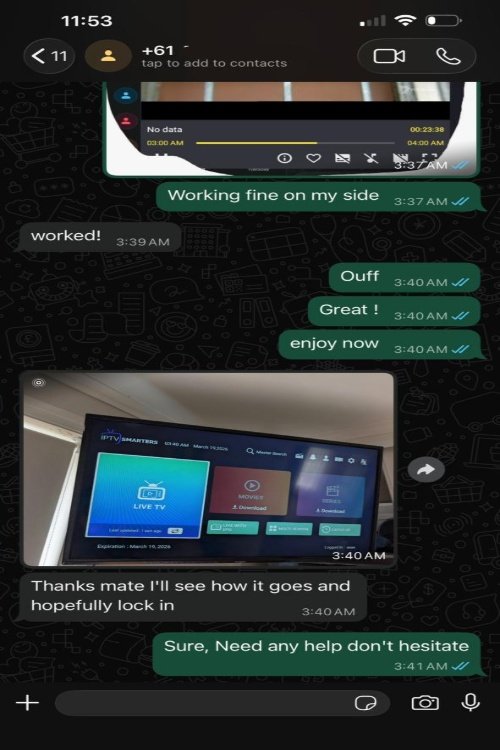
IPTV Australia means watching live TV, sport, films and series over your NBN connection instead of a satellite dish or a pay-TV box. With an IPTV subscription from StreamAussie you get login details that you enter in an app such as TiviMate or IPTV Smarters Pro on your Smart TV, Firestick, phone or computer. The app then streams the channels straight to your screen, with a full TV guide.
- No dish and no technician: any NBN connection works, from fibre to the premises to fixed wireless. For 4K, aim for 25 Mbps per stream (see our NBN speed guide).
- One AU IPTV login for every device: the same details work on Samsung and LG TVs, Firestick, Android, Apple devices, PCs and MAG boxes.
- Built for Australian viewers: TV guide times follow your device's time zone, so they're right whether you're in Perth, Adelaide, Sydney or Brisbane.
As an Australian IPTV provider, StreamAussie sells plans with no contract and no automatic renewal, and if a technical fault on our side can't be fixed you get a refund within 7 days. Compare plans on our IPTV subscription Australia page.
Channel Categories








IPTV Australia Pricing: StreamAussie Plans
- 25,000+ Live Channels
- 90,000+ VOD Library
- 4K & Full HD
- 1 Device Connection
- 2 Simultaneous Connections
- 24/7 Support
- 25,000+ Live Channels
- 90,000+ VOD Library
- 4K & Full HD
- 1 Device Connection
- 2 Simultaneous Connections
- 24/7 Support
- 25,000+ Live Channels
- 90,000+ VOD Library
- 4K & Full HD
- 1 Device Connection
- 2 Simultaneous Connections
- 24/7 Support
- 25,000+ Live Channels
- 90,000+ VOD Library
- 4K & Full HD
- 1 Device Connection
- 2 Simultaneous Connections
- 24/7 Priority Support
🛡️ If a technical fault on our side can’t be fixed, you can get a refund within 7 days — see our Refund Policy for full terms.
Start Watching in 4 Steps
Pick the StreamAussie subscription length that fits your household and budget.
Pay securely by card, PayPal or bank transfer. Orders are confirmed instantly.
Login credentials and a device setup guide arrive by email within minutes.
Install a compatible app, enter your details, and you're watching StreamAussie.
Set Up AU IPTV on Your Device
Firestick and Fire TV
- Install the free Downloader app from the Amazon Appstore.
- Go to Settings → My Fire TV → Developer options and allow Downloader to install unknown apps.
- Use Downloader to install an IPTV player such as TiviMate or IPTV Smarters Pro from the app’s official website.
- Open the player, choose Xtream Codes login and enter the username, password and server URL we send you.
- Wait for the channels and TV guide to load, then start watching.
Android TV and Google TV (Hisense, TCL, Nvidia Shield)
- Open Google Play on your TV or box.
- Install TiviMate or IPTV Smarters Pro.
- Choose Xtream Codes login and enter the details from your welcome message.
- Let the TV guide load, then pick a channel.
Samsung and LG Smart TVs
- Open the Samsung Apps store or LG Content Store and install an IPTV player app (our guides list the ones that work).
- Open the app and note the MAC address and device key it shows.
- Add your playlist on the app’s website using that MAC address, or send it to our support team on WhatsApp and we’ll help.
- Restart the app and your channels will load.
iPhone, iPad and Apple TV
- Install an IPTV player from the App Store, such as IPTV Smarters Player Lite.
- Choose Xtream Codes login and enter the details we send you.
- Wait for the channel list to load and start watching.
Windows PC and Mac
- Install an IPTV player for your computer (our PC and Mac guide compares the options).
- Choose Xtream Codes or M3U login.
- Enter the details from your welcome message.
- Pick a channel. For 4K, connect your computer by Ethernet if you can.
MAG box
- Find the MAC address on the sticker under your MAG box (it starts with 00:1A:79).
- Send the MAC address to our support team on WhatsApp. We link it to your subscription and send you a portal URL.
- On the box, go to Settings → System settings → Servers → Portals, enter the portal URL in Portal 1 and save.
- Restart the box. Your channels load automatically.
Works On Every Device You Own
StreamAussie vs. Foxtel + Kayo + Netflix + Stan
Looking for the best IPTV service in Australia instead of stacking separate Foxtel, Kayo, Netflix and Stan subscriptions? See how one StreamAussie plan compares on price and channels.
| Feature | StreamAussie | Foxtel + Kayo + Netflix + Stan |
|---|---|---|
| Monthly cost (AUD) | From A$7.50* | A$140+ |
| Live channels | 25,000+ | ~250 |
| Movies & series on demand | 90,000+ | ~15,000 |
| 4K streaming | Full library | Partial |
| NRL, AFL, Premier League | All included | Separate subs |
| PPV events | Included | Pay extra each event |
| International channels | Yes | No |
| Contract | No contract | 12-month lock-in |
*Price shown for the 12-month StreamAussie plan on 1 device (A$12/mo for 2 devices). Foxtel/Kayo/Netflix/Stan figures are indicative and may have changed — check each provider for current pricing.
What Our Customers Say
Guides for Australian Viewers
Why streams freeze at peak time on the NBN and the steps that stop it.
The NBN plan you need for HD and 4K, and how to test your connection.
TiviMate, IPTV Smarters and others compared device by device.
What to do when the EPG is blank or shows the wrong times.
This week’s big games with start times for every state.
Watch Seven, Nine, 10, ABC and SBS live on their free apps.
IPTV Australia: Frequently Asked Questions
What is IPTV and how does StreamAussie work?
IPTV delivers live TV, movies and series over your internet connection instead of cable or satellite. Choose a plan, receive your login details by email, install a compatible app, and start streaming 25,000+ channels and 90,000+ on-demand titles.
Is IPTV legal in Australia?
IPTV itself is legal in Australia as a technology — it's the same delivery method used by Foxtel Go, Kayo and other licensed streaming services. What matters is whether the provider holds the rights to the content it distributes. See our full legal breakdown for details.
Will StreamAussie work on my NBN connection?
Yes — StreamAussie is tested on real NBN 50 and NBN 100 connections across every state and territory. For HD we recommend at least 10 Mbps, and for 4K at least 25 Mbps. See what NBN speed you need for IPTV.
Which devices work with StreamAussie?
Smart TVs (Samsung, LG, Hisense, TCL), Amazon Firestick/Fire TV, Android boxes and phones, Apple TV/iPhone/iPad, Windows and Mac, plus MAG and Enigma2 receivers.
Do you offer a free trial?
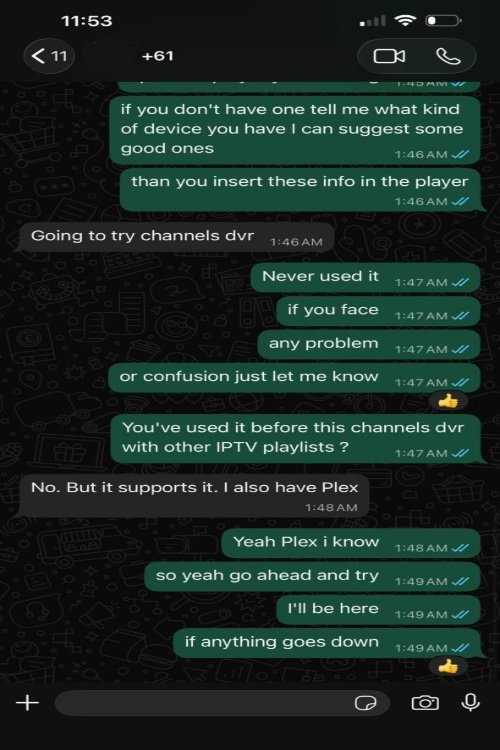
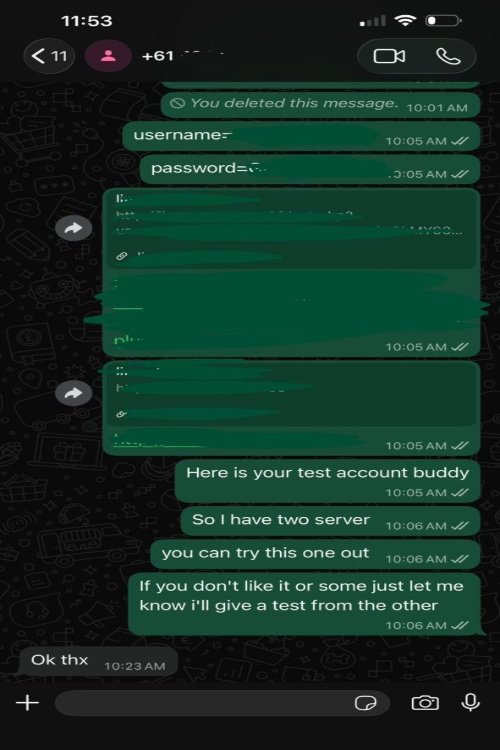
Yes — contact us to activate a short free trial so you can test channel quality and stability on your own NBN connection before committing to a plan.
What if I'm not happy with the service?
Contact support first — most issues are fixed in minutes. If a technical fault on our side can’t be fixed, you can get a refund within 7 days of purchase — see our Refund Policy for full eligibility terms.
How fast is activation after I pay?
Most orders are activated within 5-15 minutes. You'll receive your credentials, playlist link and a setup guide by email as soon as payment is confirmed.
What payment methods are accepted?
Card, PayPal and bank transfer are all supported, processed through secure payment gateways with instant confirmation.
Does StreamAussie cover NRL and AFL specifically?
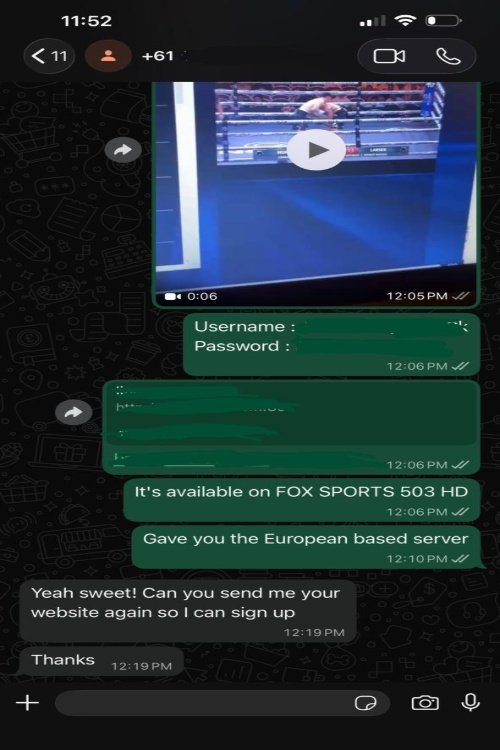
Yes — AFL, NRL, State of Origin, cricket and major international sport including Premier League, UFC and boxing PPV are all included in the channel lineup. For this week’s games and start times in every state, see sport this week.
Can I cancel anytime?
There's no rolling contract — each plan simply runs for its stated length. You decide whether to renew when it ends.
Do you offer a reseller program?
Yes — StreamAussie runs a credit-based reseller panel so you can activate trials and subscriptions for your own customers under your own brand. See the Reseller page for packages and pricing.
How do I get support if something isn't working?
Our support team is available 24/7 via live chat and WhatsApp for setup help, troubleshooting or general questions.
Ready to Try StreamAussie?
Instant activation, no contract, and real support whenever you need it — plus a refund within 7 days if a technical fault on our side can’t be fixed.
⚡ Start Free Trial