
 Stream
IPTV on a TCL TV (Google TV): setup guide for Australia (2026)
Most TCL TVs sold in Australia run Google TV (older models run Android TV), which makes them one of the easiest TVs for IPTV: you get the Google Play Store and the same apps as a streaming box. This guide covers the setup, the settings that matter and how to fix a sluggish TCL.
TCL TV IPTV: quick answer
- Open the Google Play Store on your TCL.
- Install TiviMate or IPTV Smarters Pro.
- Log in with the Xtream Codes details or M3U link from your StreamAussie email.
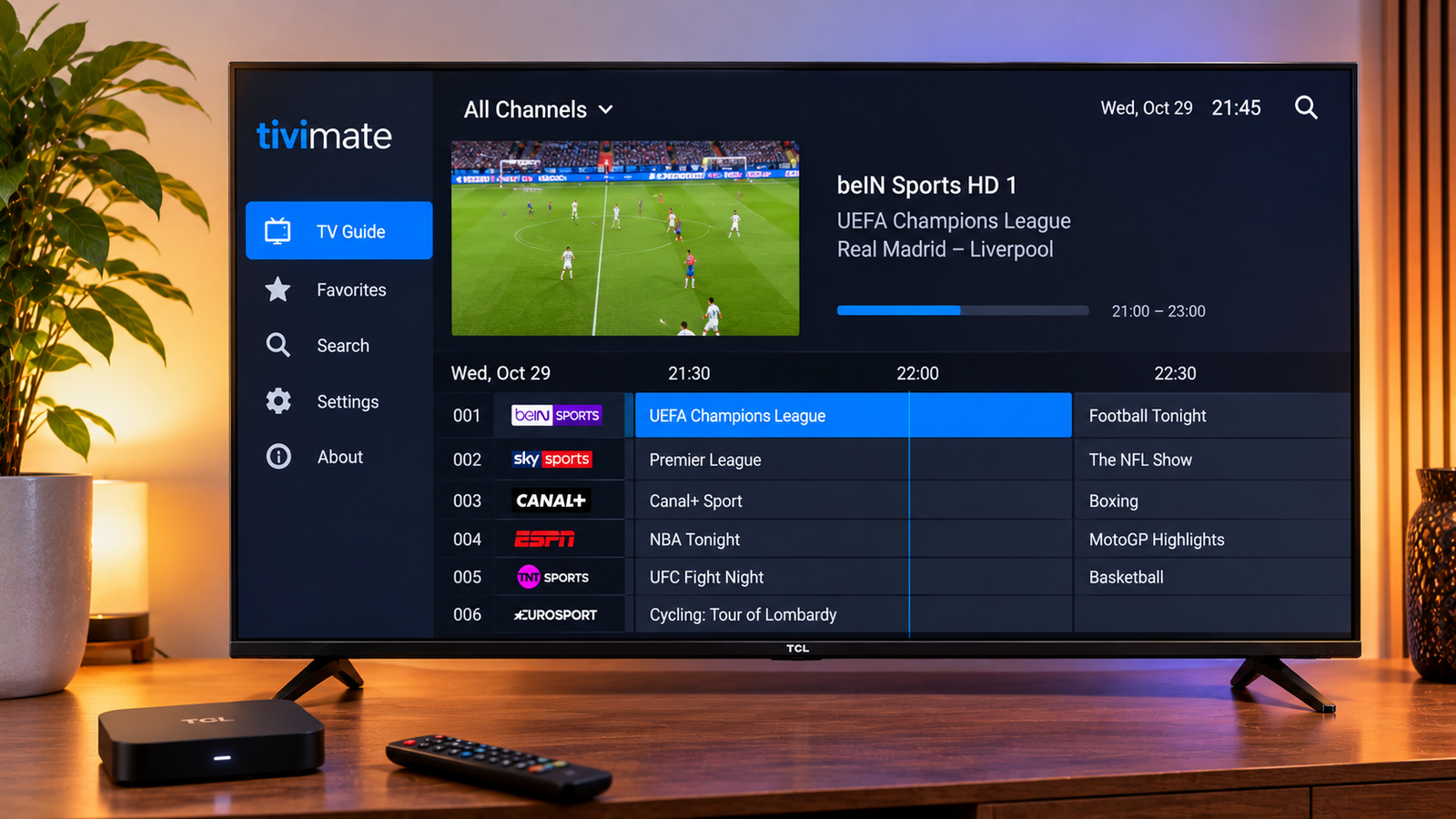
01TCL TV IPTV setup, step by step
- Sign in to your Google account on the TV if you haven't already.
- Open the Google Play Store (on Google TV it's under Apps) and search for TiviMate or IPTV Smarters Pro.
- Open the app and add a playlist. Choose Xtream Codes for the fastest loading and a separate movies and series section, or paste the M3U link.
- Wait for the channels and TV guide to load, then mark your favourites.
02TiviMate or IPTV Smarters on TCL?
| TiviMate | IPTV Smarters Pro | |
|---|---|---|
| Best for | Live TV and sport with a full TV guide | Movies and series |
| Cost | Free basic version, Premium is paid | Free |
| Recording | Yes (Premium, needs USB storage) | No |
Compare all the options in best IPTV player apps.
03Make your TCL run faster
Budget TCL models have limited memory, which can make apps slow after a while.
- Uninstall apps you don't use and clear the IPTV app's cache in Settings > Apps.
- Turn off "Allow app usage tracking" and background app auto-start where offered.
- Restart the TV fully (unplug for 30 seconds) once a week.
- If it's still slow, a Fire TV Stick 4K Max or Google TV Streamer will usually be quicker than the TV's own processor.
04Common problems
Buffering at night? See fix IPTV buffering. Guide times wrong? See fix the TV guide. Not sure your plan is fast enough? See NBN speed for IPTV.
05Frequently asked questions
Can I put IPTV on a TCL TV?
Yes. TCL Google TV and Android TV models have the Google Play Store, so you can install TiviMate or IPTV Smarters Pro and log in with your playlist details.
Which IPTV app is best on a TCL TV?
TiviMate is the best for live TV and sport; IPTV Smarters Pro is a good free choice for movies and series.
Why is IPTV slow on my TCL TV?
Budget models have limited memory. Clear the app cache, remove unused apps, restart the TV, or use a faster streaming stick.
Want to test it on your own setup?
Ask for a free trial and try StreamAussie on your TV and NBN connection before you pay.
Get a free trialAbout this guide
Written by the StreamAussie team. We set up a TCL Google TV with TiviMate and IPTV Smarters Pro using our own playlist on an NBN connection. Official support: TCL Australia. Last reviewed October 2026. Spotted something out of date? Let us know and we'll fix it.
Related guides
Want to try it? Start your 24-hour free IPTV trial or compare our IPTV subscription plans.